Claude Code
Continue your Claude Code sessions from your phone, on your own server, under your own login
The sessions you already run on your server now continue from the phone: same session, same history, same subscription. Pocket runs none of it and charges nothing for it. How it works and what it will not do.
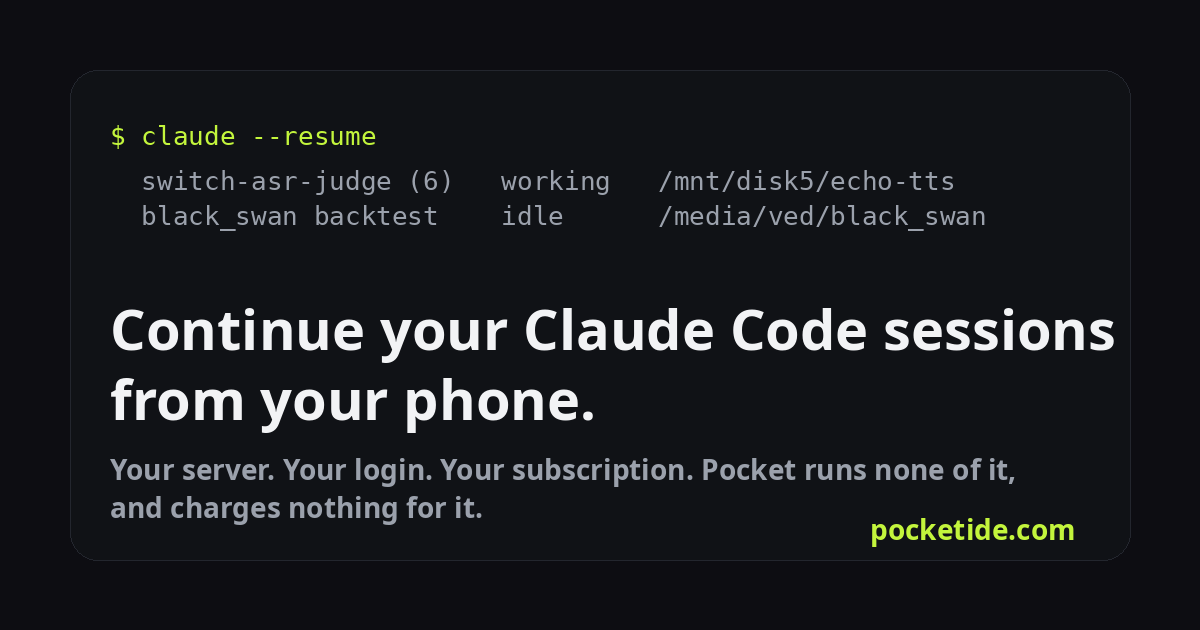
Most of the people we talk to already have a server with Claude Code on it, and a dozen sessions in flight: a training run being babysat, a refactor half done, a benchmark being argued over. What they wanted from a phone app was not a new assistant. It was the old conversation, on the bus. This week that works.
What it does
Connect your server to Pocket, open the machine, tap Continue a session. The list is exactly what claude --resume offers you at the desktop: each project folder, each session's title and last prompt, and which sessions are live right now. Tap one, type what should happen next, and the turn runs on your server. It opens like any Pocket conversation: the words as they are written, every tool call, every result. Your next message continues the same session. When you sit back down at the desktop, the whole thing is there, because it never left.
What runs where
Nothing of ours runs the model. The Pocket agent on your machine starts the official CLI as your own account, with the login you already have there, in the session's own folder, and relays what it says. The CLI's own session file keeps growing on your disk. Pocket holds no model, no credits and no run slot for it, and bills nothing, on every plan. Your Anthropic subscription or key pays what it pays today.
The agent itself stays the unprivileged account it always was. The installer notes who ran it and writes one rule: the agent may run commands as that person, and nothing else as anyone else. That is the whole privilege. Pocket does not copy, store or forward a login or a token from your machine, and reads nothing but the index of your sessions.
The details that took the time
- A turn is a short process: the CLI resumes the session, answers, and stays open for ninety seconds in case you reply quickly, then exits. There is nothing long-lived to lose when the agent restarts or the phone sleeps.
- The CLI cannot ask you questions from a phone, so permissions are a choice per machine: edits allowed and everything else refused and reported, or pre-approve all. Your choice is remembered.
- A session that is open in a terminal on the desktop is marked live. Resume it and Claude Code continues it in the background under the same id; or open the terminal and attach to the same window.
- Titles come from the session files themselves, so the list reads like your desktop, not like a list of first prompts.
What it will not do
Chats in Cursor, Claude Desktop, ChatGPT or z-chat cannot be continued as the same thread. Those vendors expose no thread to anyone, so no app can. What Pocket can do is import an export as context for a new conversation. CLI sessions are the only ones that continue for real, and they are the ones servers are full of. Codex threads are listed today; continuing them is next.
Setup and the fine print are in the docs: Continue your work from the phone.