Dashboards
Dashboards that keep themselves fresh and ping your phone when numbers move
Ask an agent for a dashboard and it builds the charts, schedules the data refresh and sets alerts that push to your phone once when a threshold is crossed.
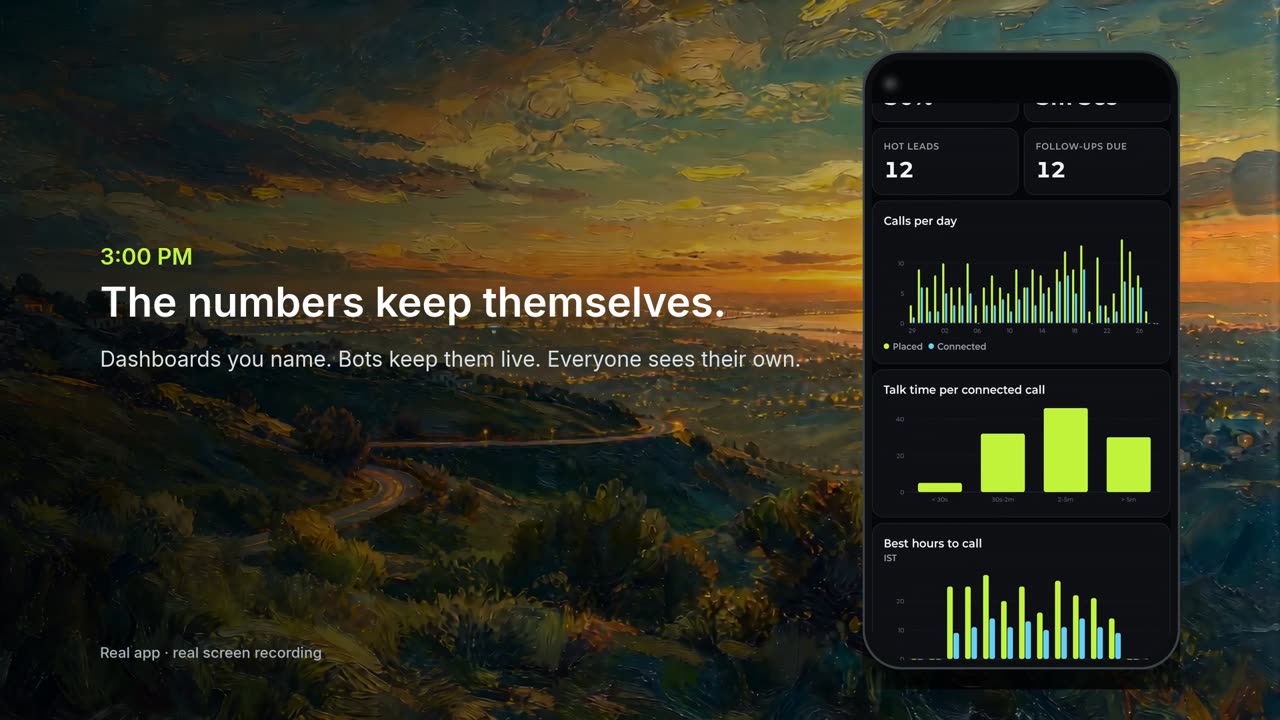
A dashboard nobody looks at is a screenshot with extra steps. What you actually want is to be told when something changes. So Pocket dashboards now do three things on their own: refresh their data, re-render on your phone, and push a notification when a number you care about moves.
One message sets up all three
Pull our Dodo Payments transactions into the warehouse every 15 minutes, chart daily revenue and failed payments, and ping me if more than 5 payments fail in an hour.
- Refresh: the agent writes the import as a re-runnable script in the repo and schedules it with
create_routine(every 15 minutes). - Charts:
create_dataset→create_chart→create_dashboardon the machine's Superset, and the board shows up natively in the app, where it re-polls every few seconds while open. - Alert:
create_alertruns a SQL check on a schedule, for exampleSELECT count(*) FROM payments WHERE status='failed' AND created_at > now() - interval '1 hour', and compares it to your threshold.
Alerts that don't spam
A naive alert fires on every check while the condition holds, so a 5-minute schedule means a notification every 5 minutes until you fix it. Pocket alerts are edge-triggered: you get one push when the value crosses the line, and the alert re-arms only after it drops back. There's also a changed mode ("tell me whenever we get a new signup") that pushes each time the number moves.
create_alert {
  name: "Failed payments",
  sql: "SELECT count(*) FROM payments WHERE status='failed'
        AND created_at > now() - interval '1 hour'",
  op: ">", threshold: 5,
  message: "{{value}} failed payments in the last hour",
  schedule: "every-15m", timezone: "Asia/Kolkata",
  wake_prompt: "Find out why and draft a note to the customer"
}That last line matters: an alert can also wake the bot that owns it, so the notification you get is often followed a minute later by the diagnosis. You can see and edit every alert under Automations, where the editor has the same operators, including *changed*.