Dashboards
Dashboards you name, and bots keep current
Make as many dashboards as you need, name them anything, and let a bot add tiles, rename them and keep the numbers live. Sales calls is just the first template.
Pocket used to have one screen for leads and calls. That made the app look like it was only for leads and calls, and it isn't. So there is no fixed screen anymore. There are dashboards: as many as your plan holds, each one named by you, each one something a bot can build and update.
Everything lives under Dashboards
Open the menu and your dashboards sit right under the shortcuts. Tap one to open it, tap + New to make another, or Manage dashboards to rename, reorder or delete them.
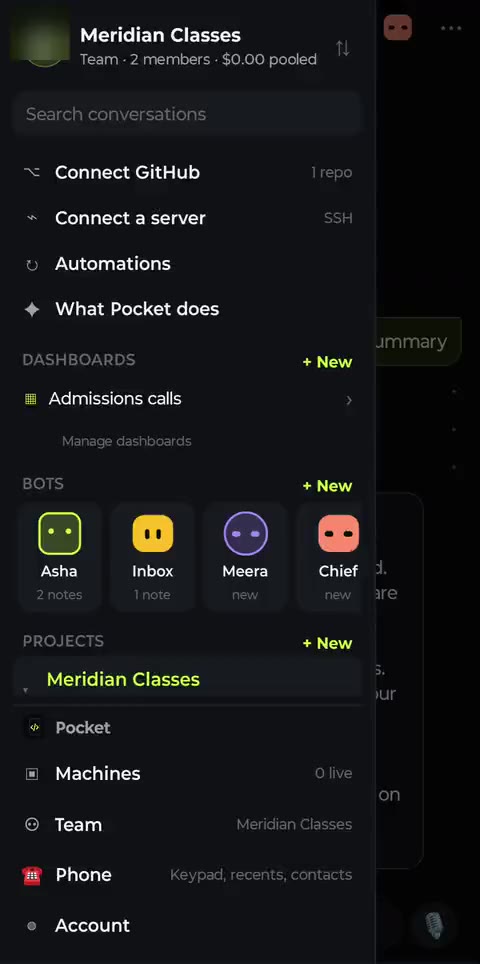
Dashboards in the menu
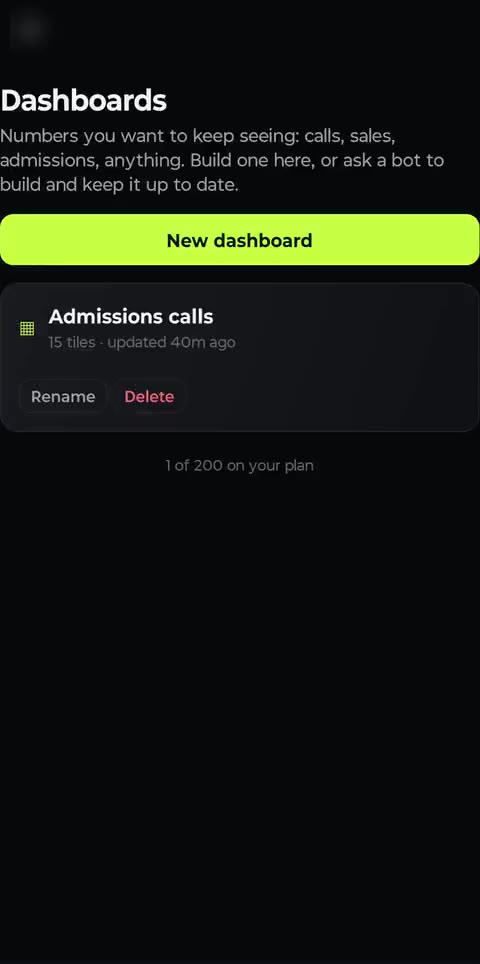
Rename, reorder, delete
A new dashboard starts Blank or from the Sales calls template. Tiles come in four kinds: live numbers and charts (calls placed, connect rate, talk time, hot leads, leaderboard, funnel and more), widgets a bot writes, notes, and shortcuts to other screens. Each tile is half or full width, and you can move or remove it in Edit mode.
One dashboard, the right numbers for each person
Live tiles respect who's looking. A team lead sees the whole team and can filter by agent. An agent opening the same dashboard sees only their own calls and leads, and can't edit it.
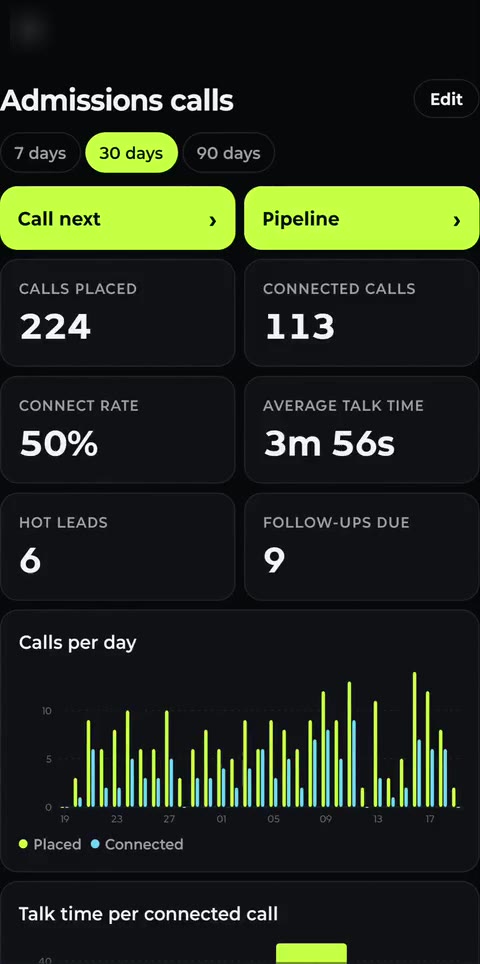
Team lead: everyone
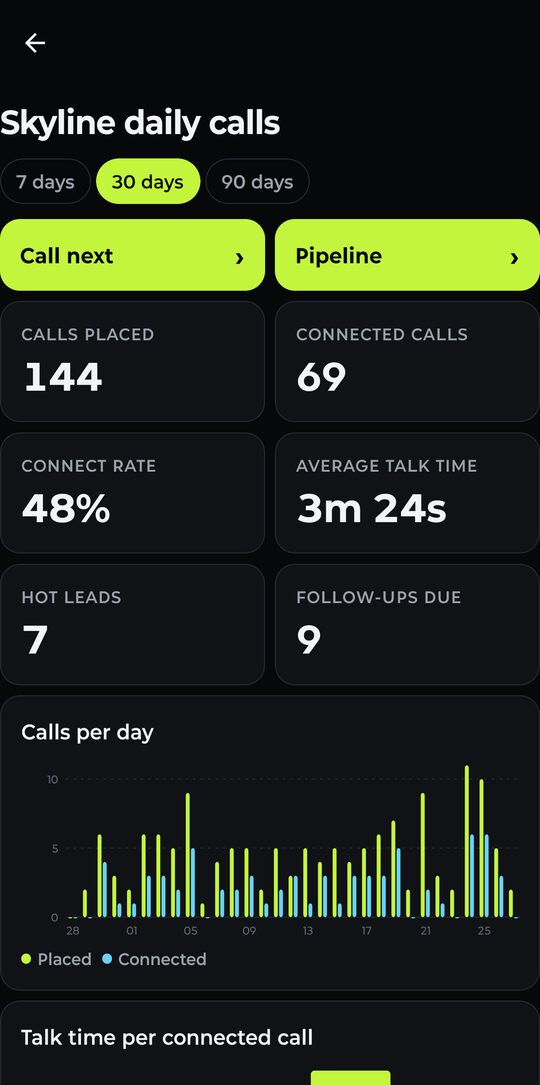
Agent: just their own
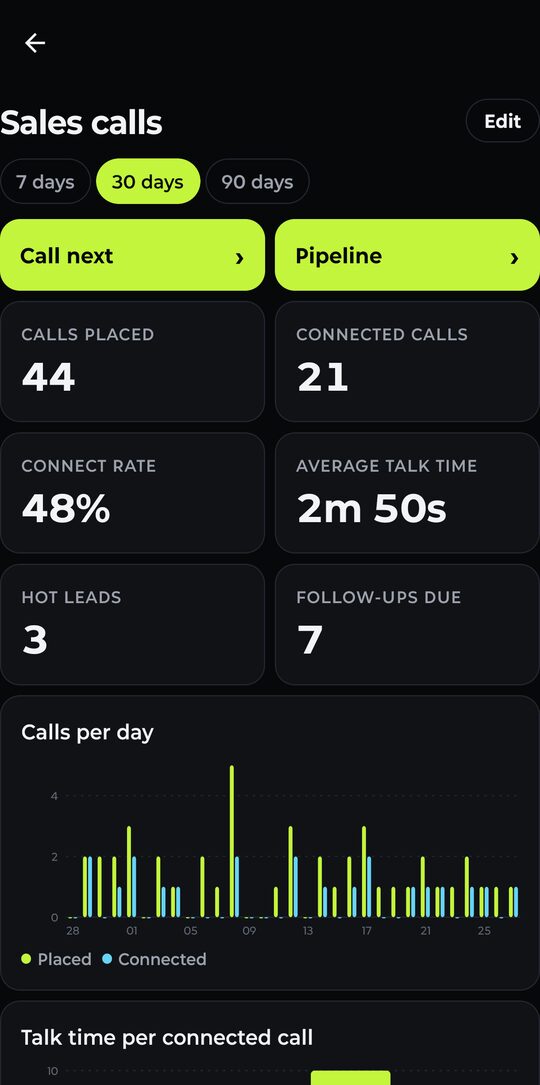
Solo Pro: a personal board
Bots have the same controls you do
Every agent has a dashboards tool. It can list, create, rename and delete dashboards, add or replace a tile, move or remove one, and change the period. So you can say things like:
- "Make a Morning briefing dashboard with overdue follow-ups, hot leads and yesterday's connect rate."
- "Rename Walk-ins to Demo classes and put the funnel at the top."
- "Every evening, write today's collection total into a KPI tile on the Finance board."
Behind the numbers
The Sales calls tiles come from the built-in CRM: every call a bot or a person places is logged against the lead with its outcome and talk time, and each lead gets a score it explains in plain words.
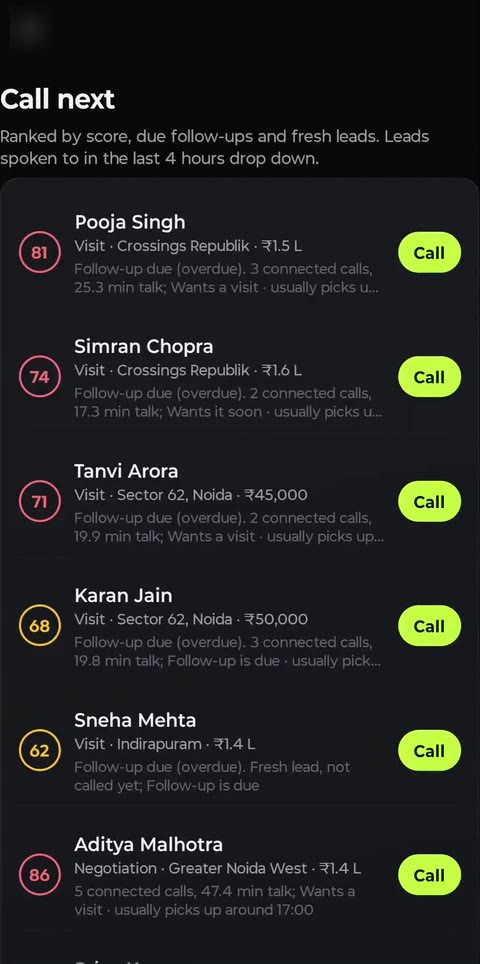
Who to call next
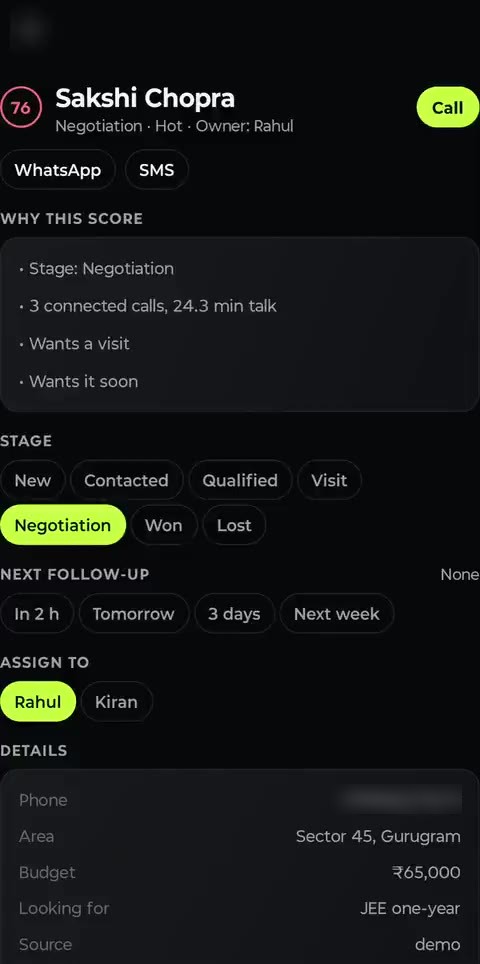
Why this score
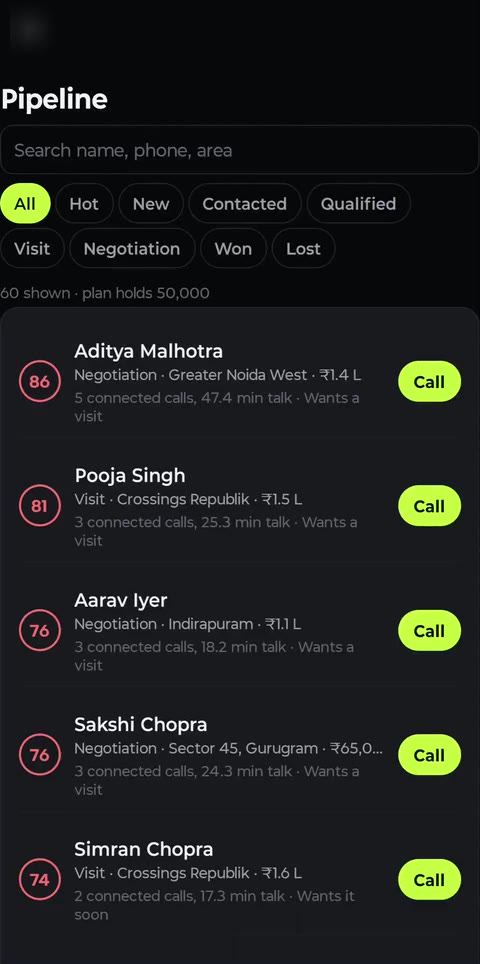
Pipeline
How many you get
- dashboards on Free
- 3
- dashboards on Pro
- 25
- dashboards on Team
- 200
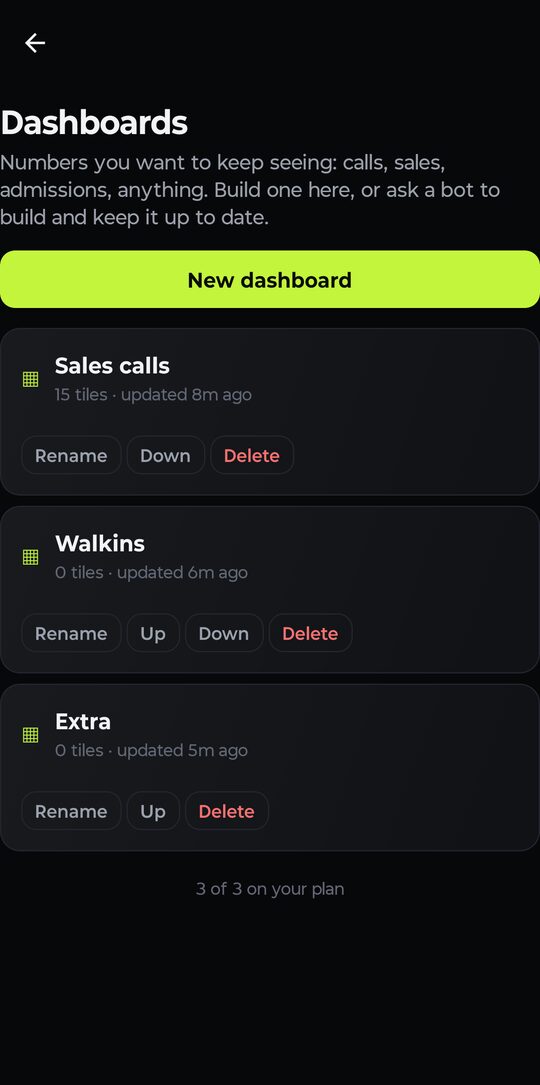
Free: 3 of 3 used
Start from the dashboards docs, or just open the menu and tap + New.